Result Guide
Samarth Result Guide
Result pages often receive heavy traffic after announcements. This guide explains how result checking usually works and what students should keep ready.
Last updated: May 19, 2026
Before Checking Result
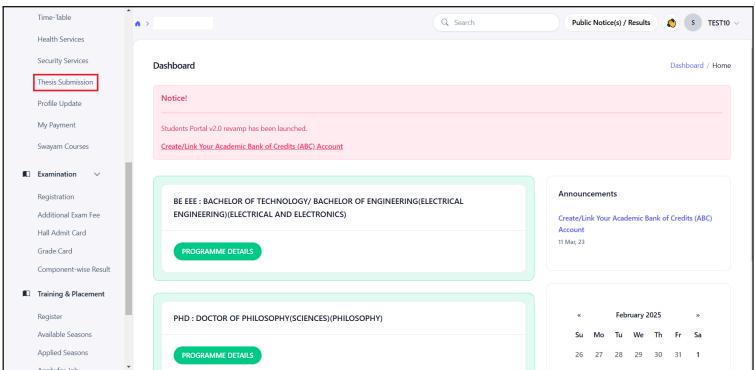
Keep registration number, enrolment number, roll number, date of birth, and password ready. Some universities publish results inside login, while others use a separate result page.
Result Details to Check
Verify name, course, semester, subject marks, grade, result status, and remarks. Download or save the result for records.
If Result Is Not Showing
The result may not be declared for your course, the server may be busy, or details may be entered incorrectly. Confirm with the official notice before assuming a problem.
Step-by-Step Guide
Open the official result or student login section.
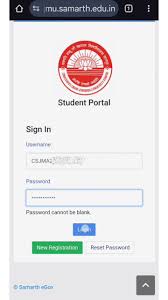
Enter roll number, enrolment number, or login details.
Complete captcha if shown.
Open result or marksheet section.
Save the result and check official instructions for next steps.
Official Portal CTA
Use this guide for preparation only. For final forms, payments, notices, and account actions, open the official Samarth eGov portal or your university website.
Visit Official Samarth PortalFAQs
Is samarthportal.org the official Samarth portal?+
No. samarthportal.org is an independent informational guide. For final confirmation, forms, notices, payments, and official updates, visit the official Samarth portal or your university website.
Which website is the official Samarth eGov portal?+
The official Samarth eGov portal is available at https://samarth.edu.in. External official links on this website open in a new tab.
Why is the result page slow?+
Result pages often slow down when many students check at the same time. Wait and retry later.
Can I use admit card details to check result?+
Often yes, because admit cards include roll or enrolment details needed for result lookup.
Written by
Samarth Portal Guide Editorial Team
Independent education guide writers
We explain student portal workflows in simple English and remind readers to confirm final details on the official portal or their university website.
External official link
Open the official portal in a new tab when you are ready to complete official actions.
Visit Official Samarth Portal